Methodology
How we compared the products
We reviewed documented, generally available workflows in each vendor's public product and help documentation. We compared the path from draft through feedback, approval, scheduling, and failure recovery. We excluded roadmap claims and custom services. Plan packaging changes, so follow each source for current terms.
Source snapshot
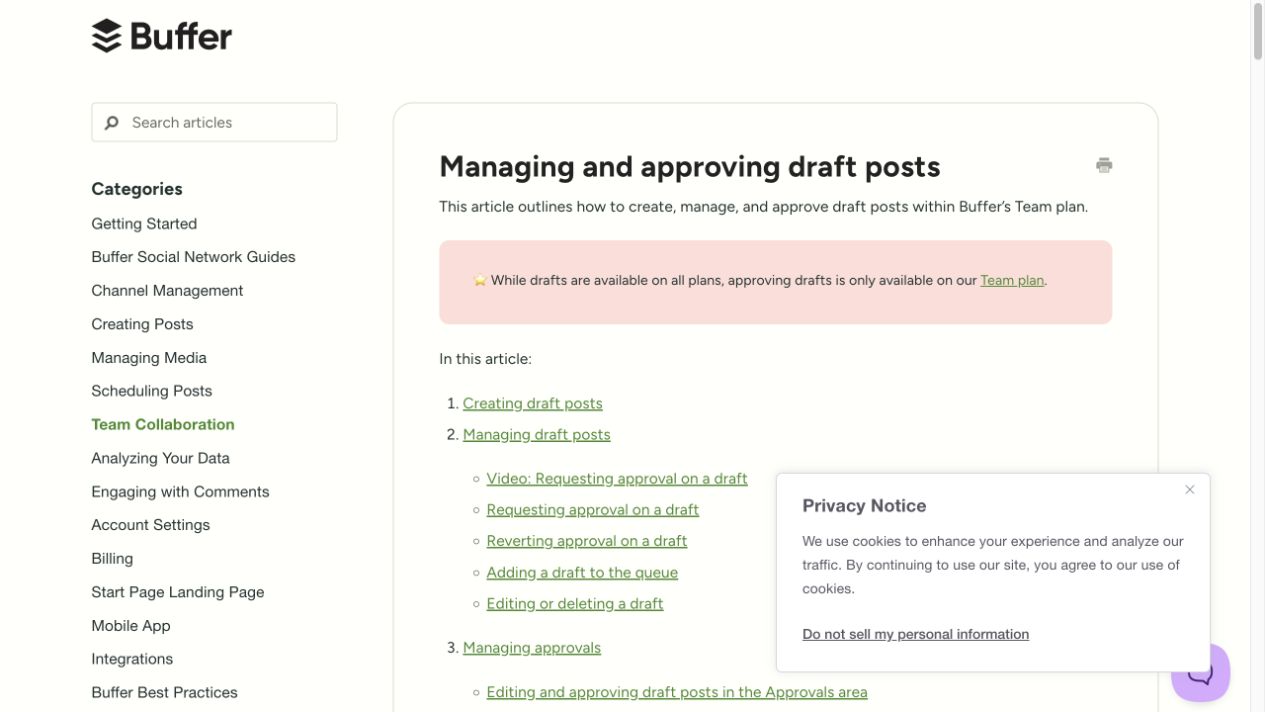
Side-by-side comparison
Score the workflow you have now.
A scheduler plus Slack threads can work for a small team with low review risk. The cracks appear when the team needs brand scope, client approvals, revision reasons, account-health recovery, and audit history.
Ask where the final decision lives. If the answer is a thread reply, a reaction, a spreadsheet cell, and a scheduler status, the team has four records to reconcile.
- Final approval
- Revision reason
- Next owner
- Publish blocker
- Brand scope
- Client-safe history
Use Buffer plus Slack threads when publishing is the center.
A scheduler-centered setup fits teams that need a simple queue, a small number of reviewers, and a low volume of client or compliance decisions.
Keep that setup if Slack carries light discussion and the scheduler shows the team enough status to publish without follow-up.
Use Slash Social when Slack carries the work.
Slash Social fits teams whose social work starts and moves in Slack: ideas from messages, approval requests, client decisions, inbox escalations, and publishing recovery.
The product keeps the decision, owner, brand, platform target, and history together so the team does not rebuild context from threads before publishing.
Compare the handoff points.
Look at each handoff between idea, draft, review, scheduling, publishing, and reporting. Count how many times a person copies state from Slack into another tool or asks for the latest decision.
If most handoffs begin in Slack, a Slack-native workflow reduces the number of places the team checks before it ships.
- Idea capture
- Draft owner
- Approval route
- Publishing recovery
- Report context
Ask these questions before switching.
Do reviewers approve from Slack today? Do client decisions need a record? Do failed publishes reach the right owner? Does the team manage more than one brand? Do managers need to see blocked work before publish day?
A yes to several of those questions points toward Slash Social because the product makes Slack the home for social operations, not a comment layer beside another tool.
Where the alternative has an edge
- Buffer has a longer operating history, a documented public API, and a mature cross-channel calendar.
- Slash Social asks reviewers to work in Slack. Teams that prefer a visual dashboard for every decision may prefer Buffer.
Operational template
Buffer and Slash Social evaluation worksheet
Score each workflow with your own team before choosing a tool.
Rate 1–5:
[ ] Review happens where approvers already work
[ ] Visual calendar and cross-channel queue
[ ] Approval history is easy to audit
[ ] API and integration needs
[ ] Agency or multi-brand access
[ ] Failure recovery
[ ] Mobile review experience

Decision notes:
Best fit for our team: ______
Tradeoff we accept: ______
Workflow to test: ______Sources
We reviewed these public sources on October 2, 2026. Follow the links for current product terms and documentation.
Where this fits in Slash Social
See approval workflows in Slash Social. These resources describe operating practices you can adapt to your team. Review current product availability before choosing a rollout.